
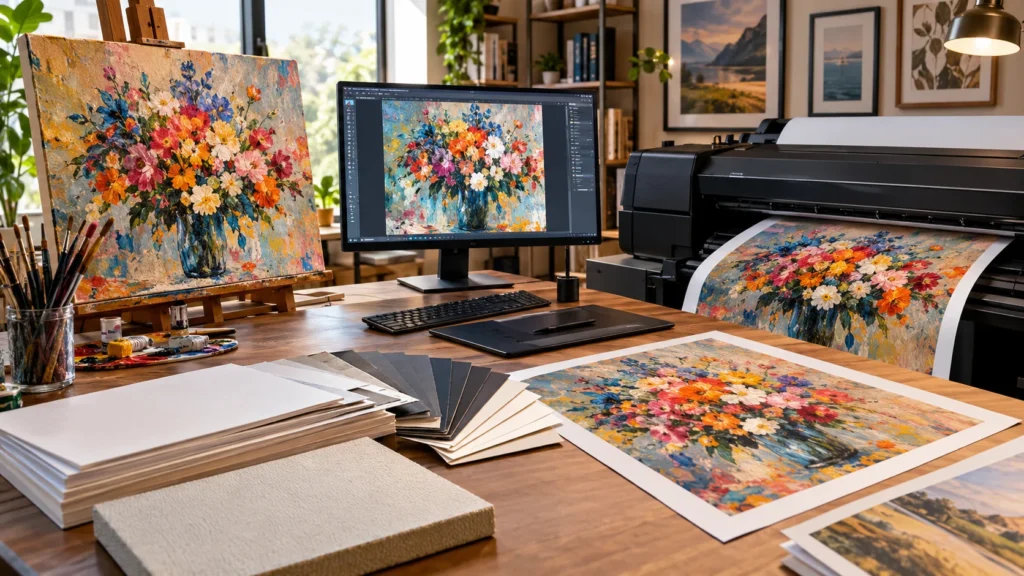
Turning a piece of original artwork into a print sounds simple in theory — scan it, print it, done — but anyone who’s actually tried it knows there’s a lot standing between a great original and a print that does it justice. Colors shift, resolution gets blurry, paper choices change how the final piece feels entirely. This guide walks through exactly how do you make prints of artwork step by step, from preparing your file correctly to choosing the right printing method for your goals, whether you’re making a single keepsake print or setting up to sell reproductions of your work.
Quick Answer: The Short Version
How do you make prints of artwork? At a high level, the process is: create a high-resolution digital file of your original piece (by scanning or professionally photographing it), choose a printing method that matches your quality needs and budget (home inkjet, professional giclée printing, or a print-on-demand service), select an appropriate paper and ink combination, and then proof the print for color accuracy before ordering a full run. The specific choices you make at each step depend heavily on whether you’re printing one keepsake copy or preparing to sell prints commercially.
Step 1: Prepare a High-Quality Digital File of Your Artwork
Everything else in this process depends on starting with a properly prepared digital file, so it’s worth getting this step right before moving forward. If your original artwork is physical (a painting, drawing, or mixed-media piece), you have two main options: scanning it on a flatbed scanner or photographing it with a camera under controlled lighting.
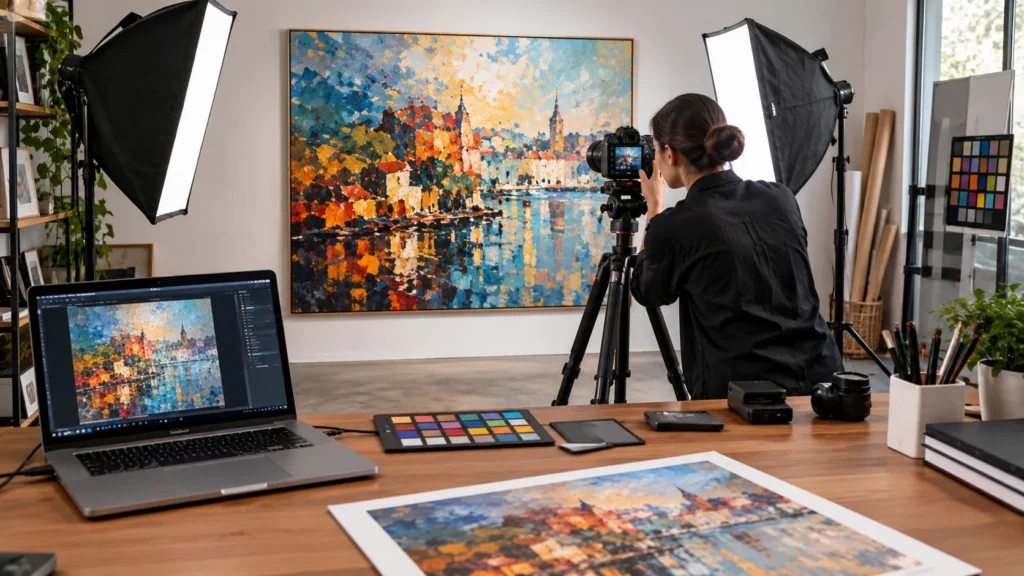
For flat, smaller artwork, a flatbed scanner generally produces the most accurate, evenly lit digital file, since it eliminates the lighting inconsistencies and slight lens distortion that can come with photographing a piece. For larger pieces that won’t fit on a standard scanner, professional photography — using even, diffused lighting and a camera mounted directly parallel to the artwork to avoid distortion — is the more practical route.
Resolution matters significantly here. As a general guideline, a file intended for high-quality printing should be captured or scanned at a minimum of 300 DPI (dots per inch) at the final intended print size, since lower resolution files tend to produce visibly soft or pixelated results, especially in larger prints. If you’re planning to print at a larger size than your original artwork, capturing the file at the highest resolution your equipment allows gives you more flexibility to scale up later without quality loss.
Step 2: Choose the Right Printing Method
Once you have a properly prepared file, the next decision is which printing method to actually use — and this is where quality, cost, and convenience trade off against each other most directly.
Home Inkjet Printing
Printing at home using a consumer or prosumer inkjet printer is the most accessible option, particularly for one-off prints or testing how a piece looks before committing to a larger order. The trade-off is that consumer printers typically use dye-based inks rather than the archival pigment inks used in professional printing, which means colors may fade more quickly over time, and color accuracy can vary more between your screen and the final print without careful calibration.
Giclée Printing
Giclée printing is a specific, high-quality inkjet printing process that uses archival pigment-based inks on fine art paper or canvas, producing significantly better color accuracy, detail, and longevity than standard home or commercial printing. This is the industry-standard method for fine art reproduction and is generally the preferred choice for anyone selling prints commercially or creating a piece intended to last for decades without noticeable fading.
Print-on-Demand Services
Print-on-demand platforms handle the entire production and fulfillment process — you upload your file, and the service prints and ships individual orders as they come in, without you needing to hold inventory or manage printing equipment yourself. This is a particularly practical option for artists who want to sell prints without the upfront cost of ordering a large batch or investing in printing equipment, though it typically comes with a lower profit margin per print compared to printing and fulfilling orders yourself.
Step 3: Select Paper, Ink, and Print Size
Paper and ink choices affect both how a print looks and how long it lasts, and this is a step that’s easy to underestimate.
Paper type generally falls into a few main categories: matte fine art paper (which reduces glare and works well for pieces with fine detail), glossy or semi-gloss photo paper (which can make colors appear more saturated and vibrant, though with more glare), and canvas (which gives a textured, gallery-style finish, particularly popular for larger statement pieces).
Ink type matters more than many people expect. Archival pigment inks, used in giclée printing, are formulated to resist fading and are typically rated for decades of display without significant color loss when combined with acid-free paper. Standard dye-based inks, common in consumer printers, are more prone to fading, particularly with direct sunlight exposure.
Print size should be decided with your original file’s resolution in mind — enlarging a file well beyond its native resolution without adequate DPI can result in visible quality loss, so it’s worth checking that your file supports your intended print size before finalizing an order.
Step 4: How Do You Make Prints of Artwork Without a Home Printer?
If you don’t own a suitable printer — or your artwork requires giclée-quality reproduction that a home printer can’t deliver — you have two main paths: a local print shop or an online print-on-demand or fine-art printing service.
A local print shop, particularly one that specializes in giclée or fine art reproduction, allows you to see and approve a physical proof before committing to a full print run, which is genuinely valuable for catching color accuracy issues before they become a larger batch of misprinted stock. Many local shops also offer paper and finish samples, letting you physically compare matte, glossy, and canvas options before deciding.
Online services, including both dedicated giclée printing labs and broader print-on-demand platforms, offer more convenience and often lower per-unit costs at scale, but you lose the ability to physically proof a sample before a full order in some cases — so it’s worth specifically checking whether a service offers a proofing option or sample print before committing to a large run.
Step 5: Proof, Check Color Accuracy, and Order
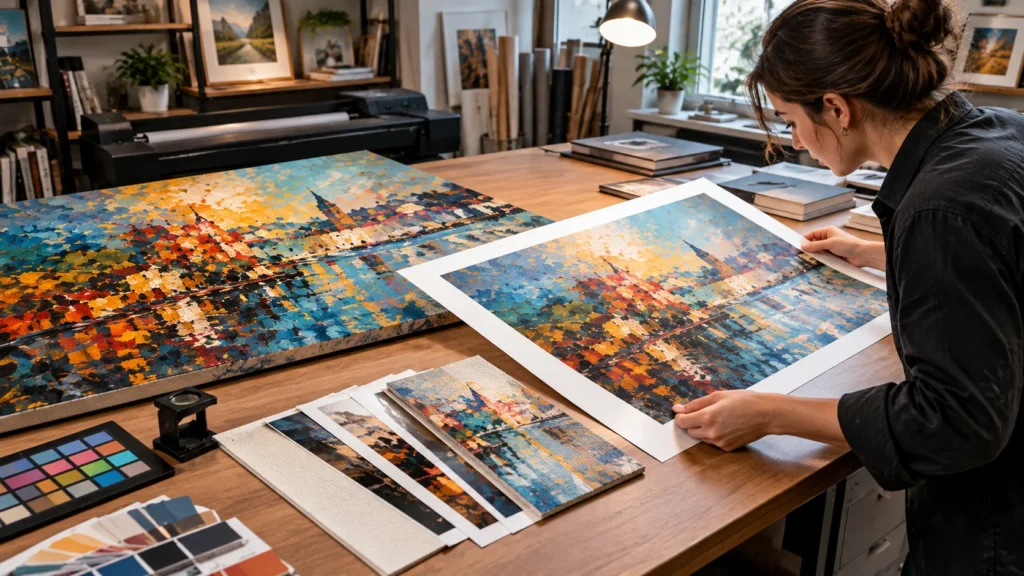
Before committing to a full print run, ordering a single proof print is one of the most valuable steps in the entire process, and one that’s frequently skipped by people eager to finish the job. A proof lets you compare the physical print directly against your original artwork (or your screen, if the piece was created digitally) and catch color shifts, unexpected cropping, or resolution issues before they affect an entire batch.
If colors look noticeably different between your screen and the proof print, this is often related to color profile mismatches between your monitor and the printer — many professional print services offer color-matching or calibration services specifically to address this, and it’s worth asking about before ordering in volume.
Copyright and Selling Prints of Your Own Work
If you’re printing artwork you created yourself, you generally hold the copyright automatically upon creation in most jurisdictions, which means you have the legal right to reproduce and sell prints of it without needing separate permission. This is worth understanding clearly, since copyright confusion is a common source of hesitation for artists just getting started with selling prints Do You Make Prints of Artwork.
The situation is different if you’re printing artwork created by someone else — even for personal use, and especially for resale — since doing so without explicit permission or a licensing agreement can infringe on the original artist’s copyright. If you’re ever printing work that isn’t entirely your own, it’s worth confirming licensing terms directly with the original artist or checking the specific terms under which the work was shared before proceeding, particularly if you intend to sell the resulting prints.
Common Mistakes to Avoid
Starting with a low-resolution file and trying to print large. This is one of the most common and most avoidable mistakes — always check that your file’s resolution supports your intended print size before ordering, rather than discovering the issue after a full print run.
Skipping the proof print step to save time or money. A single proof print is a small cost compared to reprinting an entire batch after discovering a color or cropping issue too late.
Assuming all inkjet printing is equivalent. Consumer dye-based inkjet printing and professional giclée pigment printing produce meaningfully different results in both color accuracy and longevity — treating them as interchangeable can lead to disappointing results, especially for pieces intended to last or be sold.
Overlooking paper choice as a minor detail. The same file can look dramatically different on matte fine art paper versus glossy photo paper versus canvas — this decision meaningfully shapes the final look and shouldn’t be an afterthought.
Expert Tips for Better Results
- If you’re new to printing your own artwork, order a small test print at a modest size before committing to a large-format run, so you can evaluate color and detail without a significant upfront cost.
- Photograph or scan your original artwork under neutral, even lighting (avoiding direct sunlight or mixed light sources), since inconsistent lighting during capture is one of the most common causes of unexpected color shifts in the final print.
- If you’re planning to sell prints regularly, building a relationship with a single trusted print provider — rather than switching between services for each order — tends to produce more consistent results over time, since color calibration and paper stock can vary between providers.
- Keep a labeled, organized archive of your high-resolution files (not just the printed copies), since reprinting from a properly saved original file is far easier than re-scanning or re-photographing artwork later.
Frequently Asked Questions
How do you make prints of artwork at home? At home, you’ll typically scan or photograph your artwork at a high resolution (300 DPI or higher at your intended print size), then print the file using an inkjet printer with appropriate photo or fine art paper. Home printing works well for one-off prints but generally offers less color longevity than professional giclée printing.
What resolution do I need to print artwork? As a general guideline, aim for at least 300 DPI at your final intended print size. Lower resolution can result in visibly soft or pixelated prints, particularly at larger sizes.
What is giclée printing? Giclée printing is a high-quality inkjet printing process using archival pigment inks on fine art paper or canvas, widely considered the industry standard for fine art reproduction due to its superior color accuracy and longevity compared to standard inkjet printing.
Can I sell prints of my own artwork without permission? Generally yes, since you typically hold the copyright to your own original work automatically upon creation, giving you the right to reproduce and sell prints of it without needing outside permission.
Can I print and sell someone else’s artwork? Not without explicit permission or a licensing agreement from the original artist. Doing so without authorization can infringe on their copyright, even if you’re not the one selling it directly.
Should I scan or photograph my artwork? For flat, smaller pieces, scanning generally produces more even, accurate results. For larger artwork that doesn’t fit a scanner, photographing under controlled, even lighting is the more practical option.
What paper is best for art prints? It depends on the desired look: matte fine art paper works well for detailed pieces and reduces glare, glossy paper produces more vibrant, saturated colors, and canvas offers a textured, gallery-style finish popular for larger statement pieces.
How much does it cost to print artwork professionally? Costs vary significantly based on printing method, paper choice, and print size, and are generally higher for giclée printing than home printing or standard print-on-demand services. It’s best to request a quote from a specific provider rather than relying on a general estimate.
What’s the difference between print-on-demand and ordering prints in bulk? Print-on-demand services print and ship individual orders as they come in, requiring no upfront inventory investment, while bulk ordering means printing a set quantity in advance — typically at a lower per-unit cost, but with upfront cost and the risk of unsold inventory.
How do I make sure the print colors match my original artwork? Ordering a physical proof print before committing to a full run is the most reliable way to catch color mismatches, since screen colors and print colors can differ due to color profile differences between devices and printers.
Final Takeaway
Making a quality print of artwork comes down to getting the fundamentals right in order: a properly prepared high-resolution file, a printing method that matches your quality needs and budget, thoughtful paper and ink choices, and a proof print before committing to a larger run. If you’re just getting started, the lowest-risk next step is ordering one small test print — it’s the fastest way to see exactly how your specific artwork translates from screen or original to physical print before you invest in printing at scale.

At Decor Artly, we bring art, home decor, and personal style together to create beautiful spaces and inspiring lifestyles. Led by Design Director Roni, we offer curated artwork, elegant home accents, and personalized styling to help you express your unique taste.